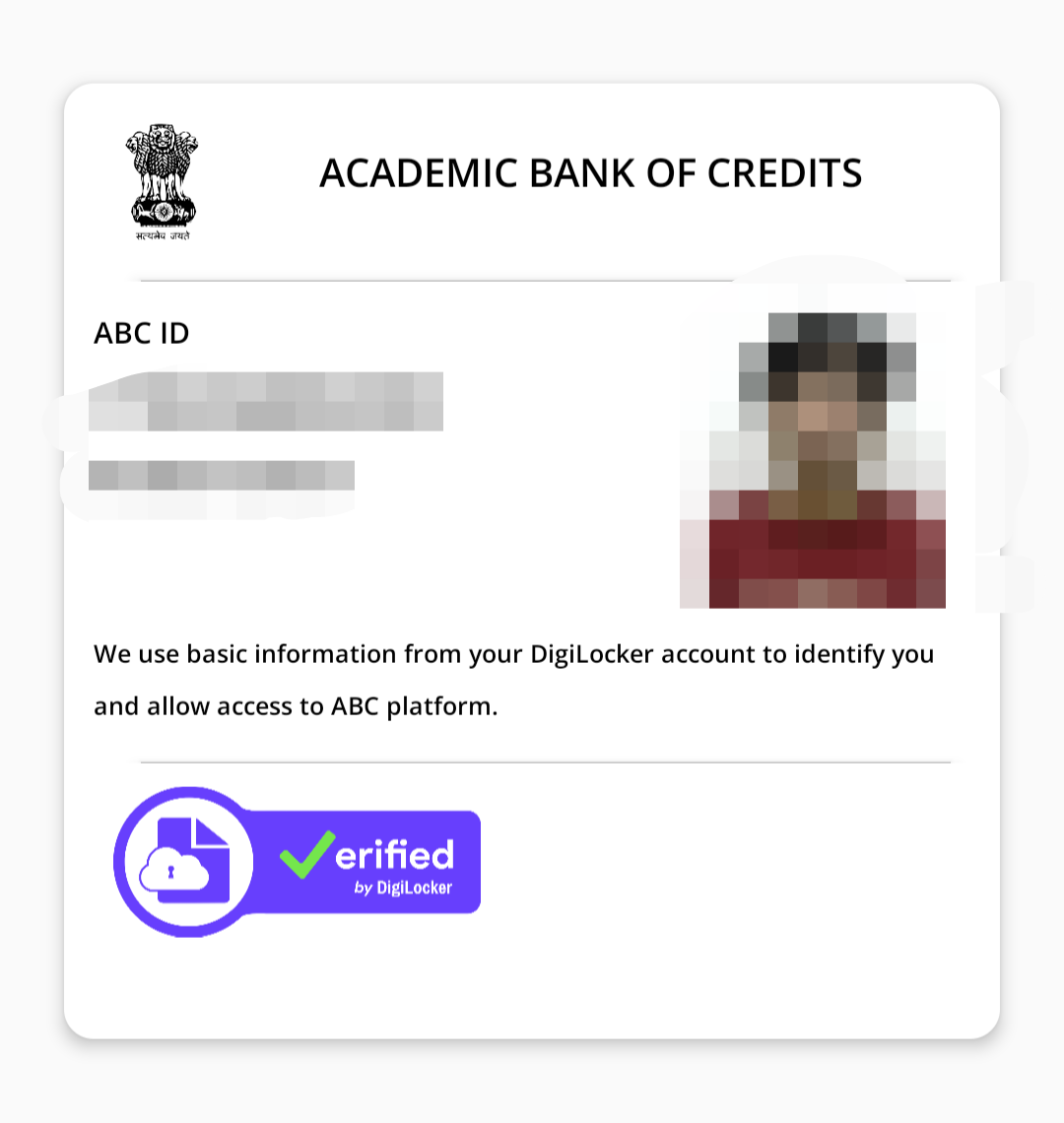

Starting from the January 2026 session, IGNOU has made the APAAR ID (Automated Permanent Academic Account Registry) mandatory for all students. Whether you are a new applicant or an existing student, your degrees and credits will only be valid if they are linked to this "One Nation, One Student ID."
Phase 1: How to Generate Your APAAR ID (If you don't have one)
Before linking to IGNOU, you must have your 12-digit ID ready.
* Go to the official ABC Portal (abc.gov.in) or open your DigiLocker App.
* Log in using your Aadhaar-linked mobile number.
* Search for "APAAR ID" or "ABC ID Card" in the search bar.
* Enter your details (Name, DOB, and Gender as per Aadhaar).
* Select "IGNOU" or "Indira Gandhi National Open University" as your Institution.
* Click "Get Document." Your 12-digit ID will appear on the card.
Phase 2: Linking APAAR ID for New Admissions (January 2026)
If you are applying for a fresh course (BCA, BAG, BCOM, etc.):
* Step 1: Visit the IGNOU Admission Portal.
* Step 2: Click on "New Registration" and verify your email/mobile.
* Step 3: In the "Academic Details" section, you will see a mandatory field: "Enter APAAR/ABC ID."
* Step 4: Paste your 12-digit number exactly.
* Step 5: Complete the rest of the form and pay the fee.
Phase 3: Linking for Existing Students (BCA 3rd Sem, etc.)
If you are already a student (like in your 3rd semester), you must link it through the Student Portal:
* Go to the IGNOU Samarth Student Portal.
* Log in with your Enrollment Number and Password.
* On the Dashboard, click on "Services" in the sidebar.
* Find the section labeled "ABC Account" or "APAAR Linking."
* Click on "Link/Create ABC Account."
* You will be redirected to DigiLocker to give Consent. Click "Allow."
* Once done, your portal will show: "Status: Linked Successfully."